 Krisp
Krisp
Flows you can read, and try before they go live
Build a flow in a visual editor from triggers, lookups, replies, assignment, tags and escalation. Run it on a sample message to see every step it would take, then switch it on. Every run is kept, with what it did and why.
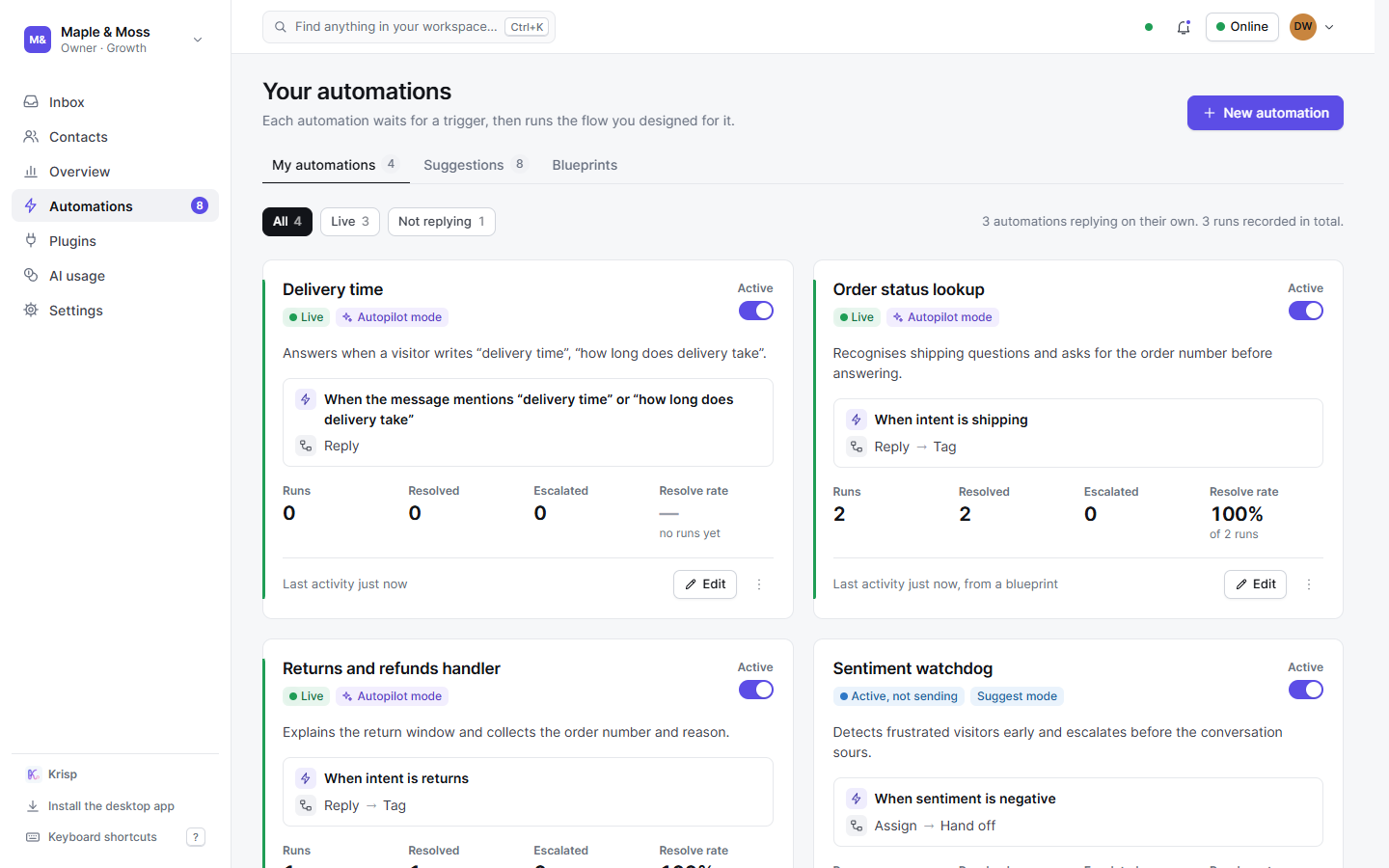
How triggers, steps, and dry runs work
Triggers that read the message
Ten kinds: a keyword or phrase (whole-word if you like), the intent, the sentiment, the channel, the first message of a thread, priority, inside or outside opening hours, a classifier confidence below a threshold, or anything no other flow claimed.
Steps that do the work
Look up your knowledge and branch on found or not found; reply with your text or the article it found; resolve; assign to a teammate; tag; escalate to a person.
A dry run
Paste a sample message and watch the flow walk it - the same handlers production uses - before anything reaches a visitor.
Suggest or autopilot
In suggest mode a flow is kept ready to test with a dry run but never answers on its own. In autopilot it answers by itself. Pause a flow at any time; drafts stay drafts.
Blueprints to start from
Eleven blueprints in six packs - a FAQ answerer, an after-hours reply, a sentiment watchdog and more - installed with a click and edited like any flow. Free has the starter pack, Starter adds e-commerce, Growth and Scale have them all.
Suggestions mined from real chats
Krisp counts the questions that keep coming back and proposes a flow for each; accept it and it goes live, answering from your knowledge base.
So nothing talks over a person
The first match runs
Active flows in autopilot are tried in order of confidence; the first whose trigger matches runs its graph. One flow answers, never two.
A hand-off ends the automation
Once a flow escalates, or a teammate takes the thread, no flow and no AI speaks in it again until it is handed back; once a teammate has replied in it, until it is resolved. The visitor is told once, in your words. Switch the AI off and the flows stay quiet too.
Nothing silent
A flow that cannot run, or that says nothing, never leaves the visitor without an answer: the AI steps in with what it knows.
Related automation features
Build your first flow in minutes
Install a blueprint, try it on a sample message, switch it on.