Krisp
Krisp
Teach it the way you would teach a new hire
Help articles your visitors can search. Pages of your website, documents and the questions you get asked, fed to the AI. And the answers your team gives, learned as conversations are resolved - so the next visitor who asks the same gets that answer.
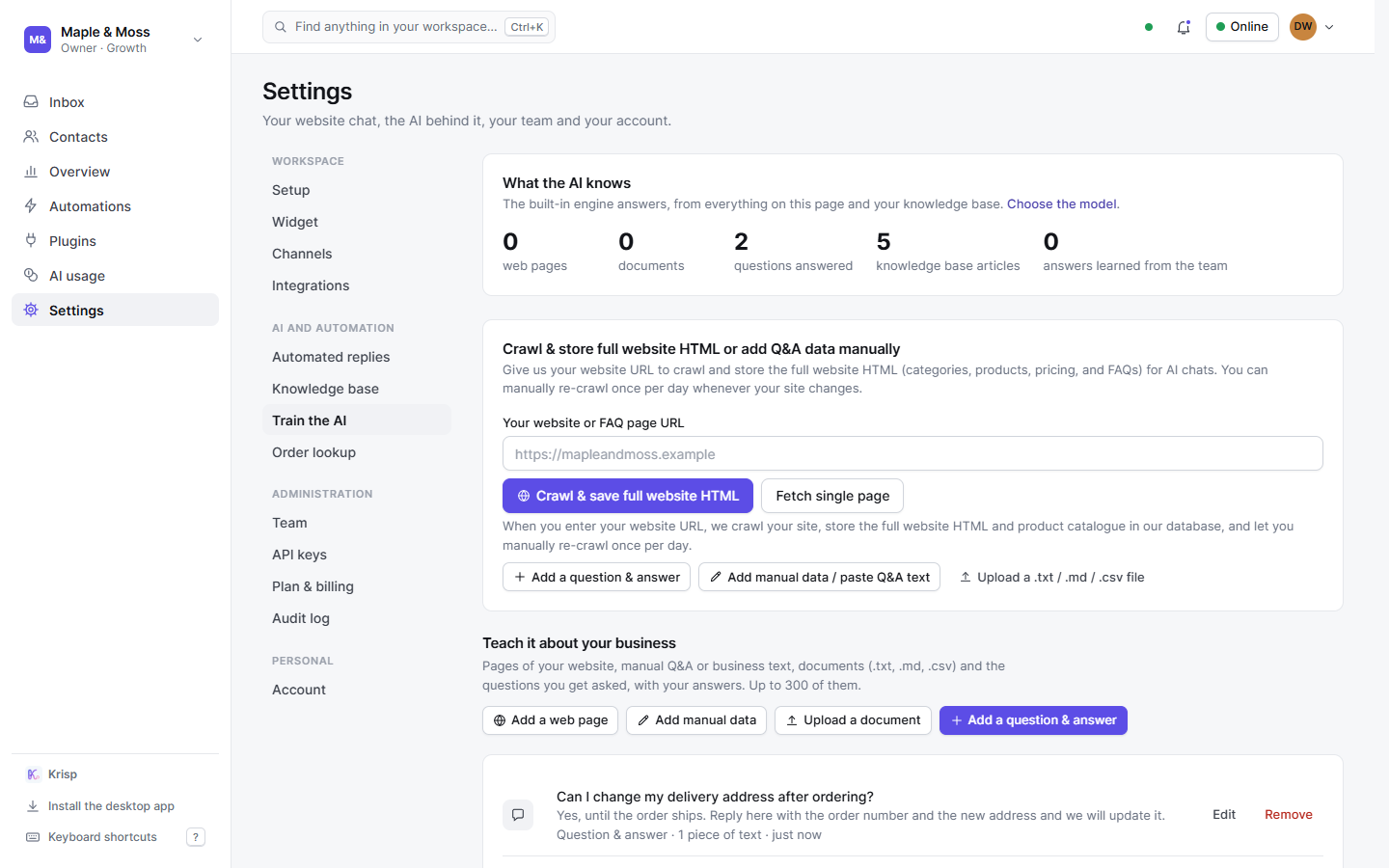
Four ways to teach the AI your answers
Your website, page by page
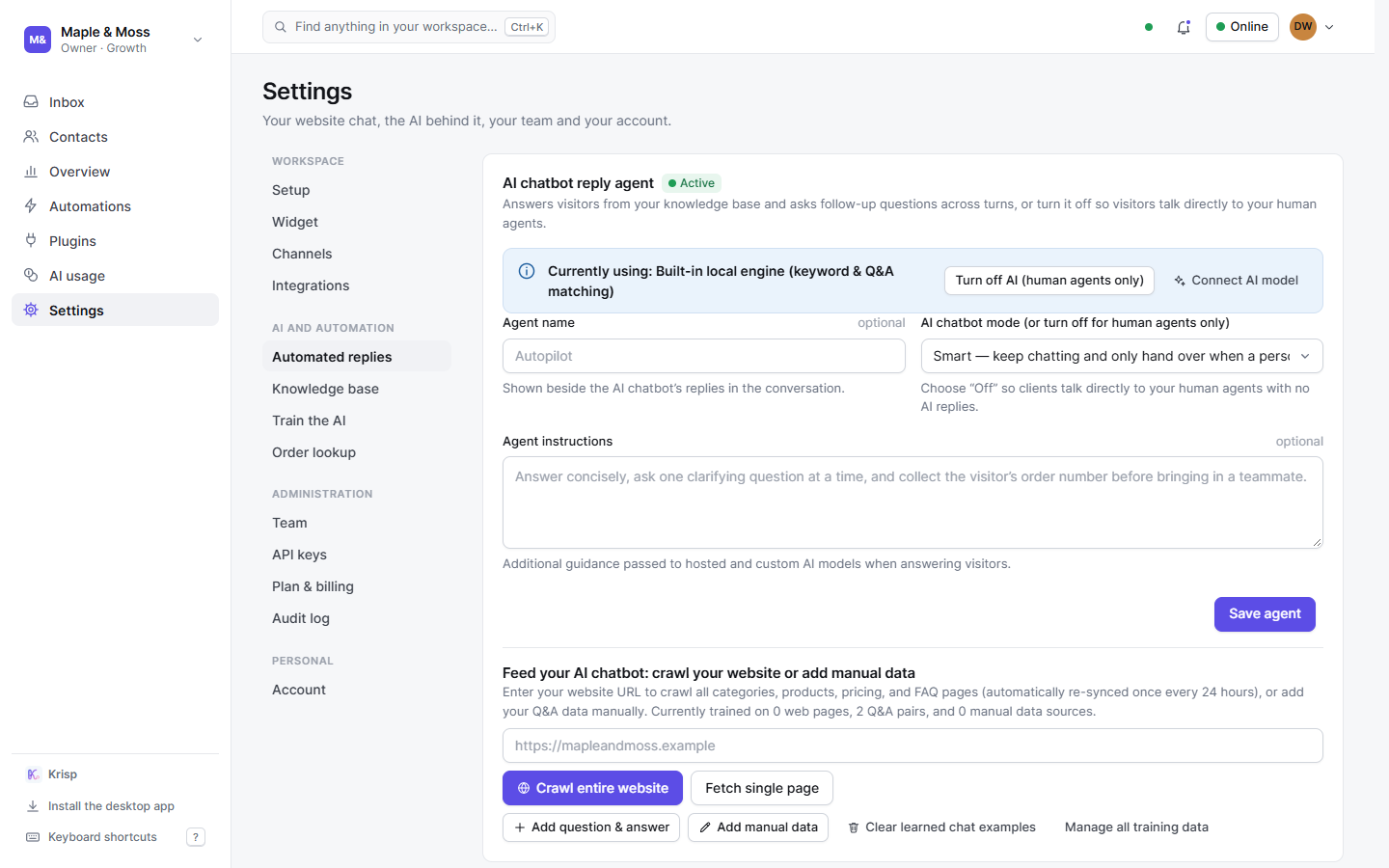
Give the address of your site and Krisp crawls it - following its links and its sitemap, up to 35 pages - keeping each page’s HTML and its text in pieces the AI quotes from, with menus, scripts and footers left out. Pages are read again every day; crawl again by hand once a day, or fetch a single FAQ or returns page.
A document
Upload a .txt, .md or .csv file - a policy, a price list, a product sheet - or paste your own text. Headings become the titles the AI answers under.
A question and its answer
The most direct lesson: the question the way a customer asks it, and your answer. Any teammate can add one - they know the answers.
Learned from your team
Switch it on and every conversation a teammate resolves teaches the AI the question and the answer that was given. An answer about one customer in particular - with an order number or a phone number - is never kept.
Try it before a visitor does
Type a question and see what the AI would answer from, best match first - the same lookup it makes for a visitor, with the source of each match named. The built-in engine answers from a match only when it fits the question well.
Help articles
Articles with a title and an answer, published or kept as drafts. Published ones answer visitors and show in the widget’s Help tab; drafts stay yours. A “what would it find?” check per question.
Help the built-in model - or don’t
What you feed the AI stays in your workspace. If you choose, a masked copy of each answer learned from your team - email addresses, phone numbers, links and long numbers removed - joins the pool that trains Krisp’s own model, which every workspace’s AI uses to understand questions. Switch it off and your copies leave the pool.
- Off by default, per workspace
- Forget what was learned at any time, shared copies included
- Names written in a message are not detected - the page says so