 Krisp
Krisp
One tag on your site. Your logo on the button.
The chat loads only for visitors who open it and shows only on the websites you list. It carries your words - and your logo, from the Starter plan up - takes pictures and videos, searches your help articles, asks for a rating, and resumes for 30 days in the same browser. From the Starter plan up, a visitor who leaves without seeing your reply gets it by email, with a link that reopens the conversation on any device - once, within a week.
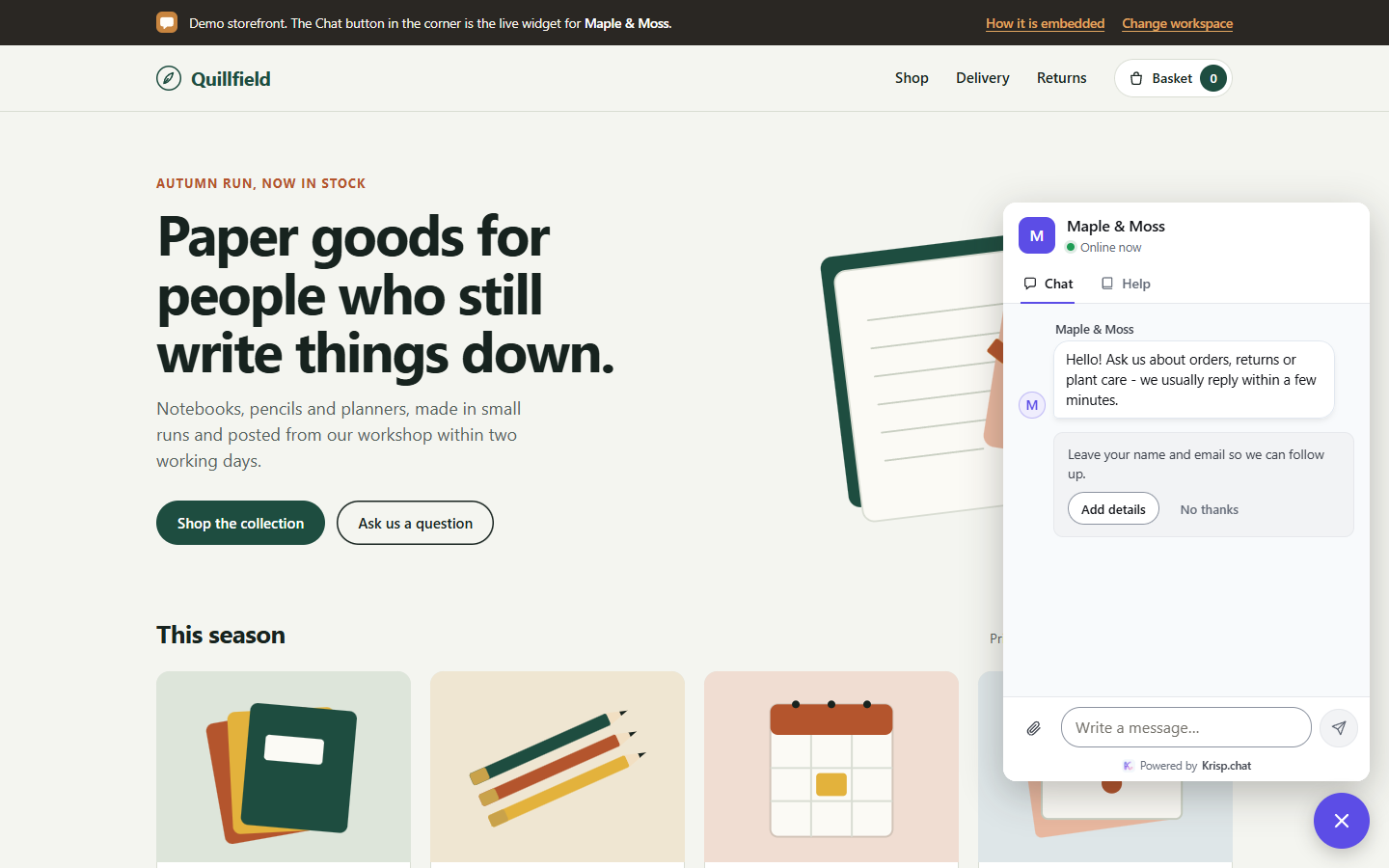
What the website chat widget includes
Installed in a minute
Copy the tag from Settings → Setup. Guides for any site, WordPress, Shopify, Wix, Squarespace, Webflow, Google Tag Manager and React. Krisp checks live that the chat is on your site.
Looks like you
Your logo on the launcher, in the header and beside the greeting, from the Starter plan up (on Free the launcher shows the Krisp mark); words beside the launcher; your accent colour; your greeting and offline message, in your language.
Only where you allow
The chat shows on the websites you list and nowhere else: a copied tag elsewhere shows nothing, and the browser refuses a copied frame.
Pictures, videos, help and a rating
Visitors send JPG and PNG pictures and MP4 and WebM videos, search your published articles in the Help tab, and leave a rating when the conversation ends.
Replies by email when they leave
From the Starter plan up, a visitor who left an address and leaves your website without seeing your replies gets them in one email and can answer from their inbox. The link in the email reopens the conversation on any device: it holds a one-time code, works once and expires after a week.
A chat page of your own
Every workspace has a hosted chat page to link from anywhere. On paid plans, put it on a domain of your own with one CNAME record. It is kept out of search engines and carries a “Report this page” link.
Made for small screens and shaky connections
The chat fills the screen on a phone, keeps its place while the visitor reads your site, and comes back where they left it. The hosted chat page works on its own, with nothing to install.
When the connection drops - a server restart, a network that blocks live updates, a phone between networks - the chat keeps trying by itself, opens from the settings it remembers, and checks for new messages every few seconds until live updates come back. A message typed meanwhile is sent once it can be.
- The visitor’s name and email asked for once, kindly, never required
- “Online now” when a teammate is, else when you reply
- New replies counted on the chat button while the chat is closed, on every page of your site
- “Delivered” or “Seen” under your last reply in the inbox
- A transcript by email, from the Starter plan up
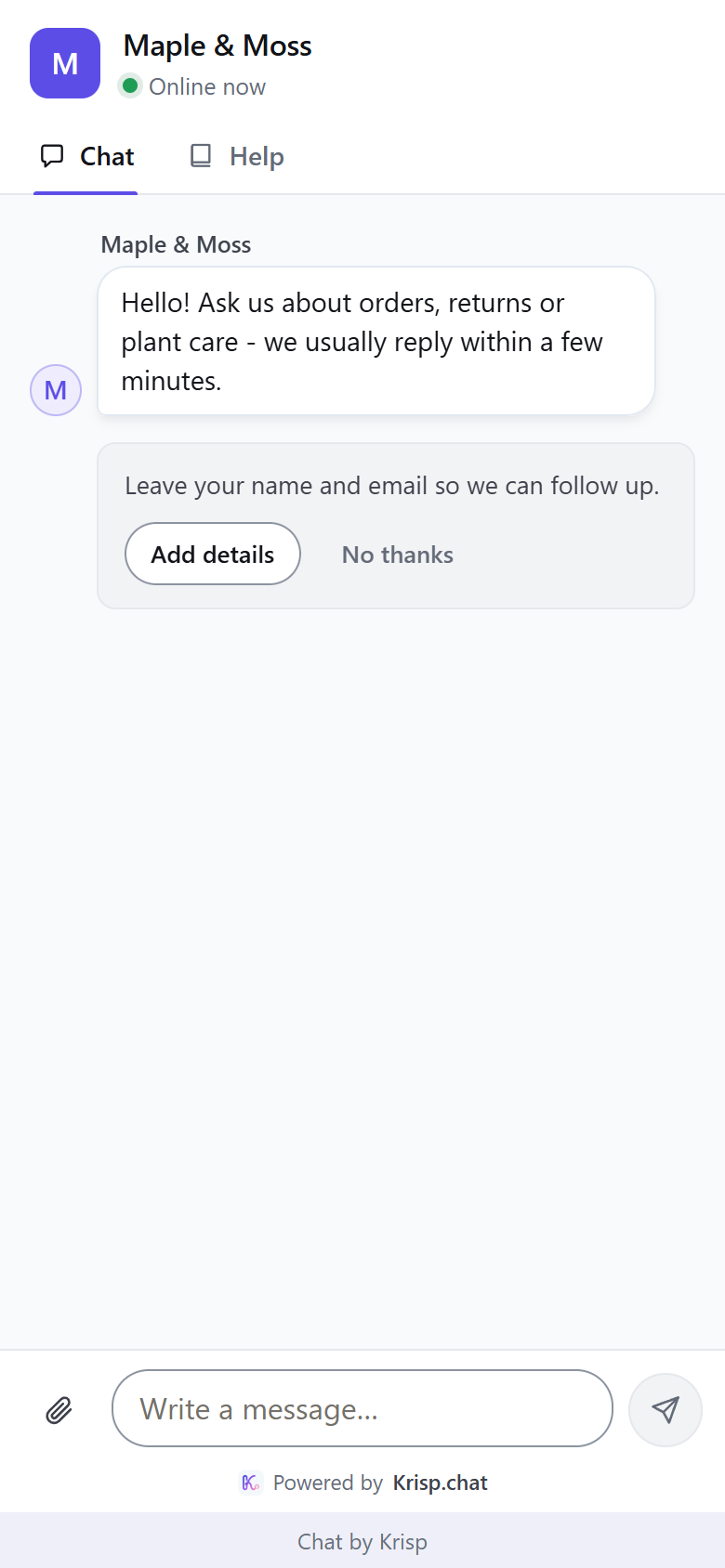
Related widget features
Put it on your site today
One tag. Your first conversation shows up in the inbox as it happens.