 Krisp
Krisp
Every conversation, in one calm place
Website chat, email, WhatsApp, Instagram, Messenger and Telegram arrive in the same list. Filter by state, channel, teammate and tag, search anything ever said, and answer with notes, saved replies and reminders at hand.
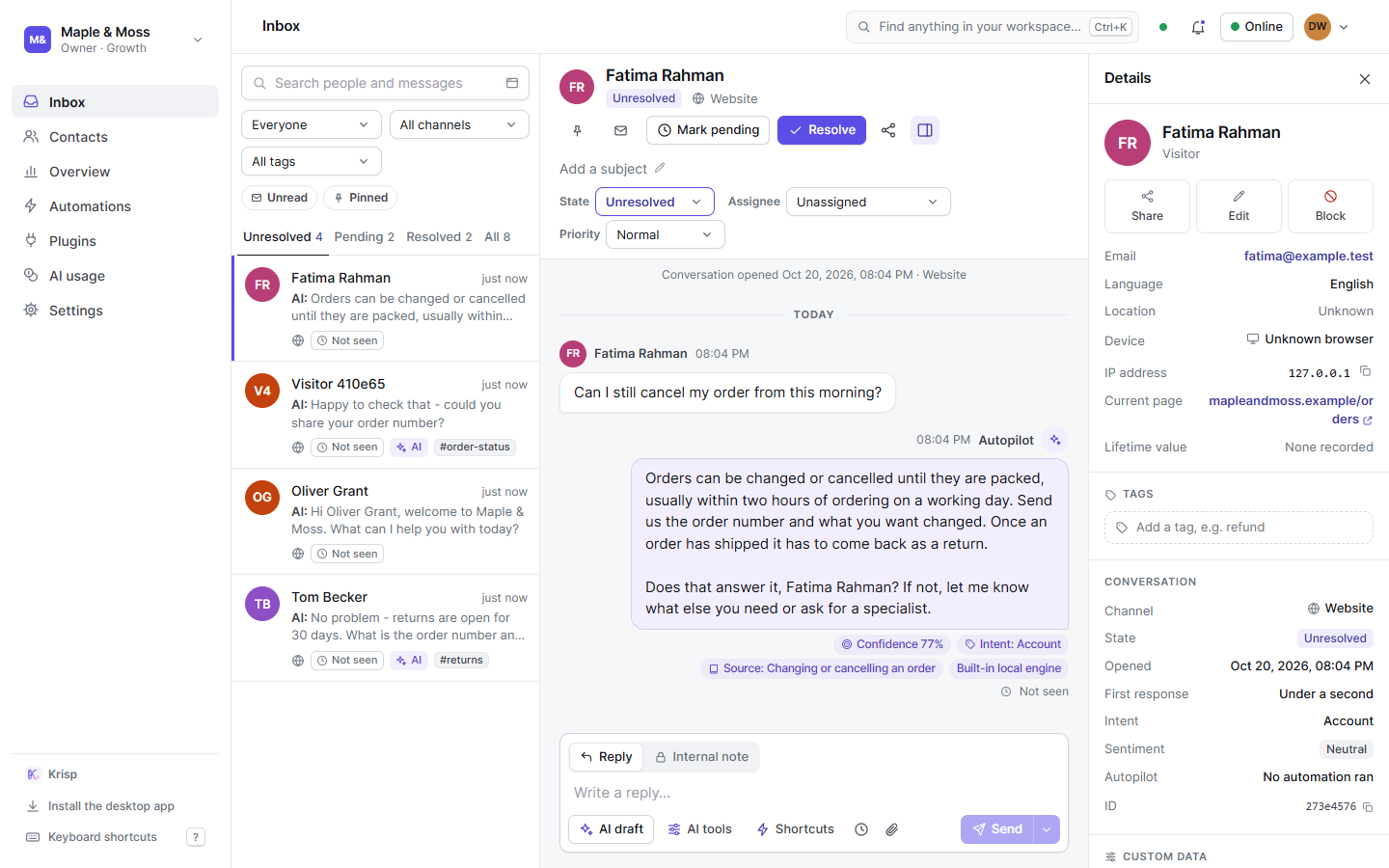
Everything your support team needs in the inbox
Search that lands on the line
Any fragment of three characters or more - an order number, half an email address - and the conversation opens at that exact message with your words marked. Next and previous match, however far back. Ctrl+K searches the whole workspace from any page - messages, people and tags - with a quick look at a thread before you open it. Notes are searched by the team only; visitors never see them.
Filters that match how you work
Unresolved, pending and resolved; everyone, mine, unassigned or one teammate; one channel or all; a tag. The badge on the tab counts the people waiting on you.
Internal notes
Write to your teammates inside the thread. Notes are marked, never sent to the visitor, and never appear in a shared transcript.
Assignment and hand-off
Assign a thread to yourself or a teammate, or hand one to a human with a click. From then on the AI and automations stay out of it. A reply from a teammate does the same until the conversation is resolved, and the thread’s details say “Paused - a teammate replied”.
Saved replies and reminders
Shortcuts for the answers you give every day, a reminder that brings a thread back when it is due, and a subject line to keep long threads straight.
Pictures and videos both ways
Visitors and teammates send JPG and PNG pictures and MP4 and WebM videos, up to five a message. Each is checked by its bytes and served as a picture or a video and nothing else; videos play right in the thread.
Edit and take back
Fix a typo in a reply you sent on the website chat, or delete it: the visitor sees it marked as edited, or no longer sees it. A reply already delivered to WhatsApp, Telegram or another app stays as it was sent. Quote a message to answer a specific point.
AI drafts and rewrites
Ask the AI for a draft from your knowledge, or have it fix the grammar, rephrase or expand what you wrote, or make it friendlier or more formal - every call booked to the ledger.
Share and transcripts
A link for teammates that opens the live thread; and from the Starter plan up, a read-only transcript link for anyone that can expire or be turned off, and the transcript emailed to the visitor.
Who you are talking to, without leaving the thread
Local time and time zone, where they are and the IP address and network their chat was opened from, device and browser, the page they are on, their language, custom data from your site, and every past conversation. Keep your own fields on them, tag the conversation, or block them from here.
- What this conversation cost in AI, to the cent
- Which automation answered, with its steps
- Their rating at the end
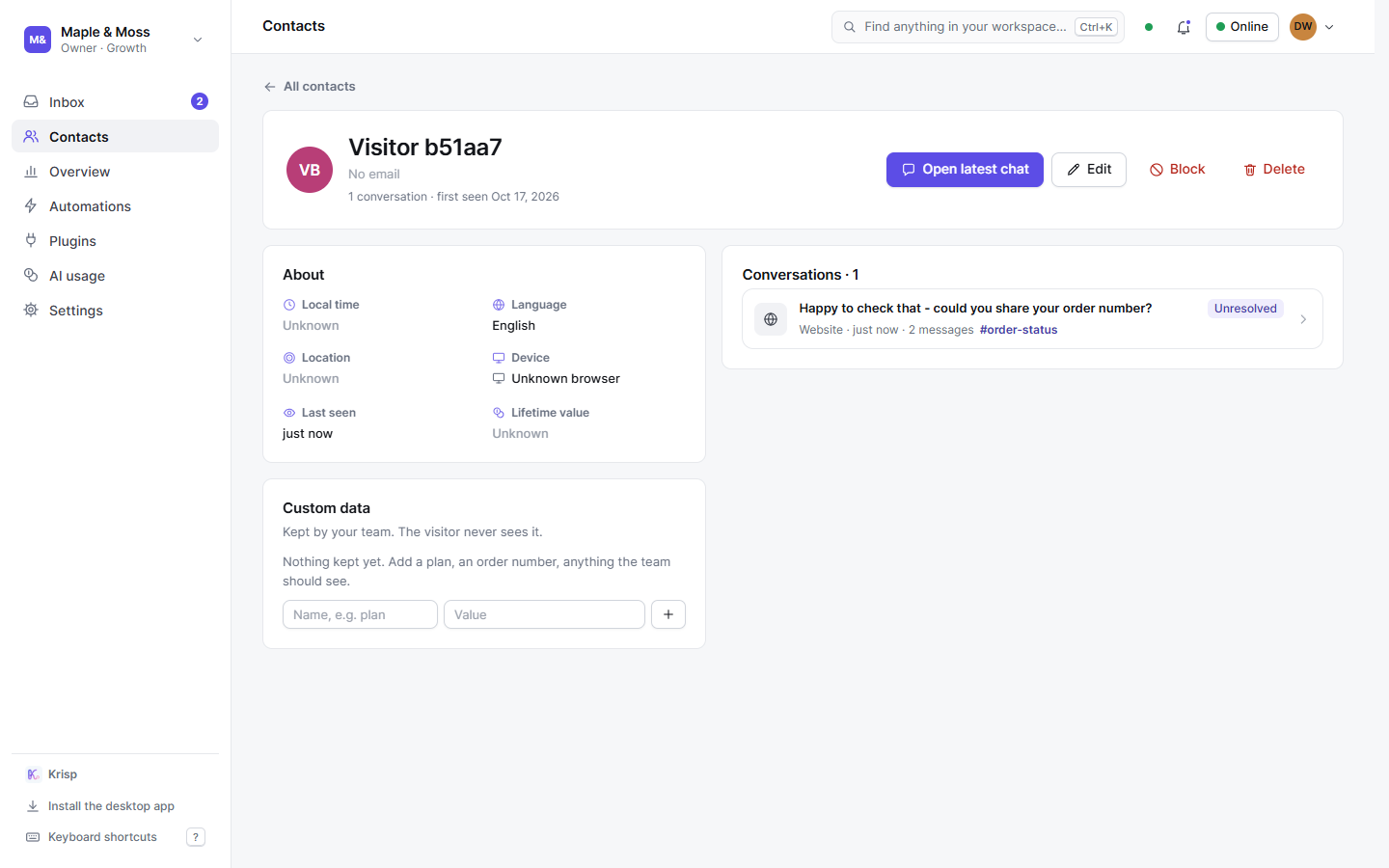
Related inbox features
See your first conversation today
Start free and paste one tag. Up to three teammates on the Free plan.